
Discover How to Use Excel to Make a Budget That Works for You
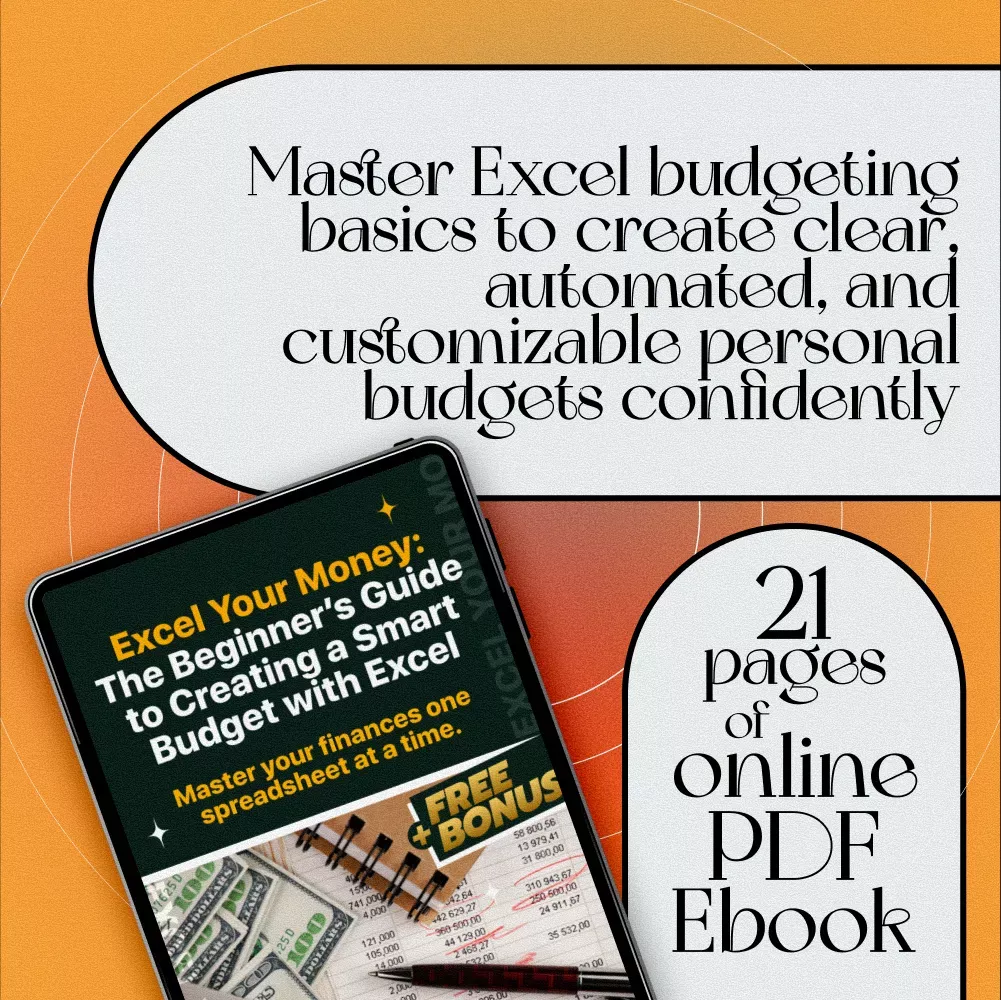
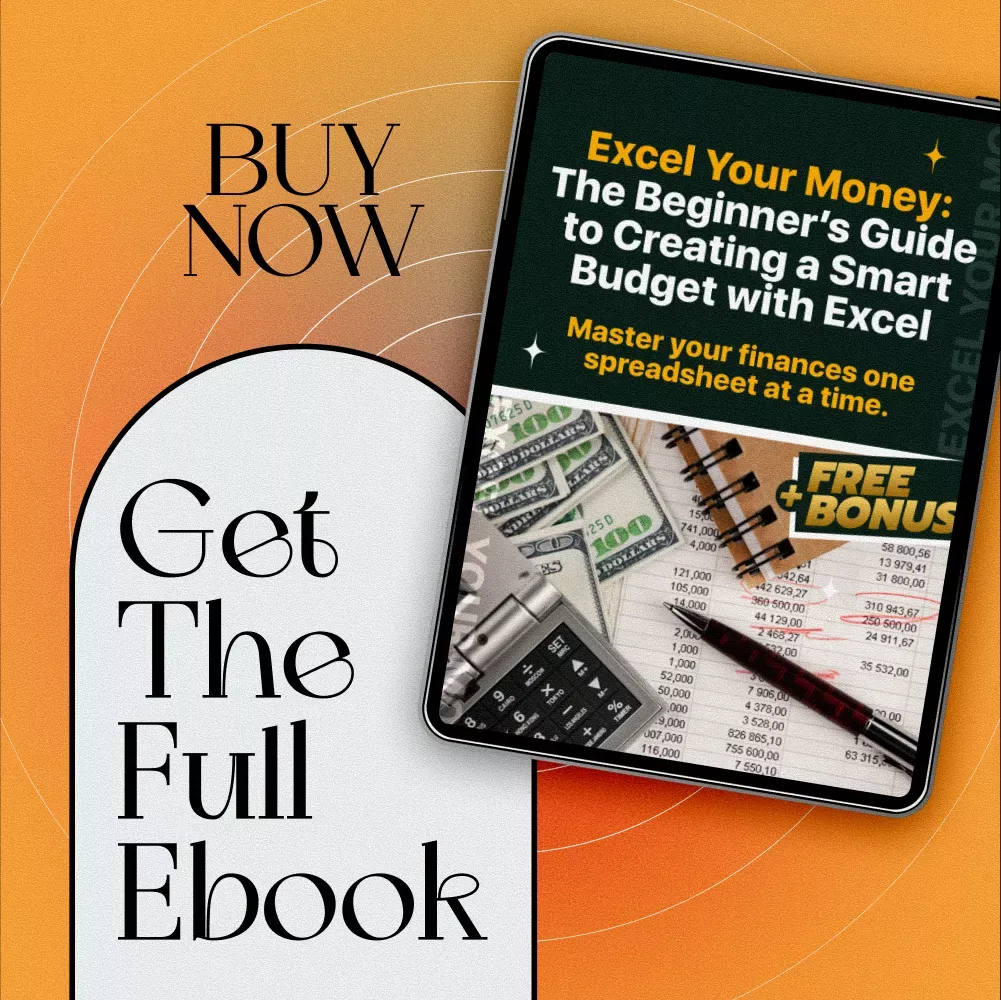
Ready to take control of your finances without confusing apps or complicated software? Excel Your Money: The Beginner’s Guide to Creating a Smart Budget with Excel is your perfect starting point. This easy-to-follow ebook walks you through every step of building a personalized budget using Excel—one of the most powerful and flexible tools available. Whether you’re new to budgeting or just new to Excel, this guide demystifies the process so you can confidently track your income and expenses with clarity and ease.
What You’ll Get Inside This Step-by-Step Guide
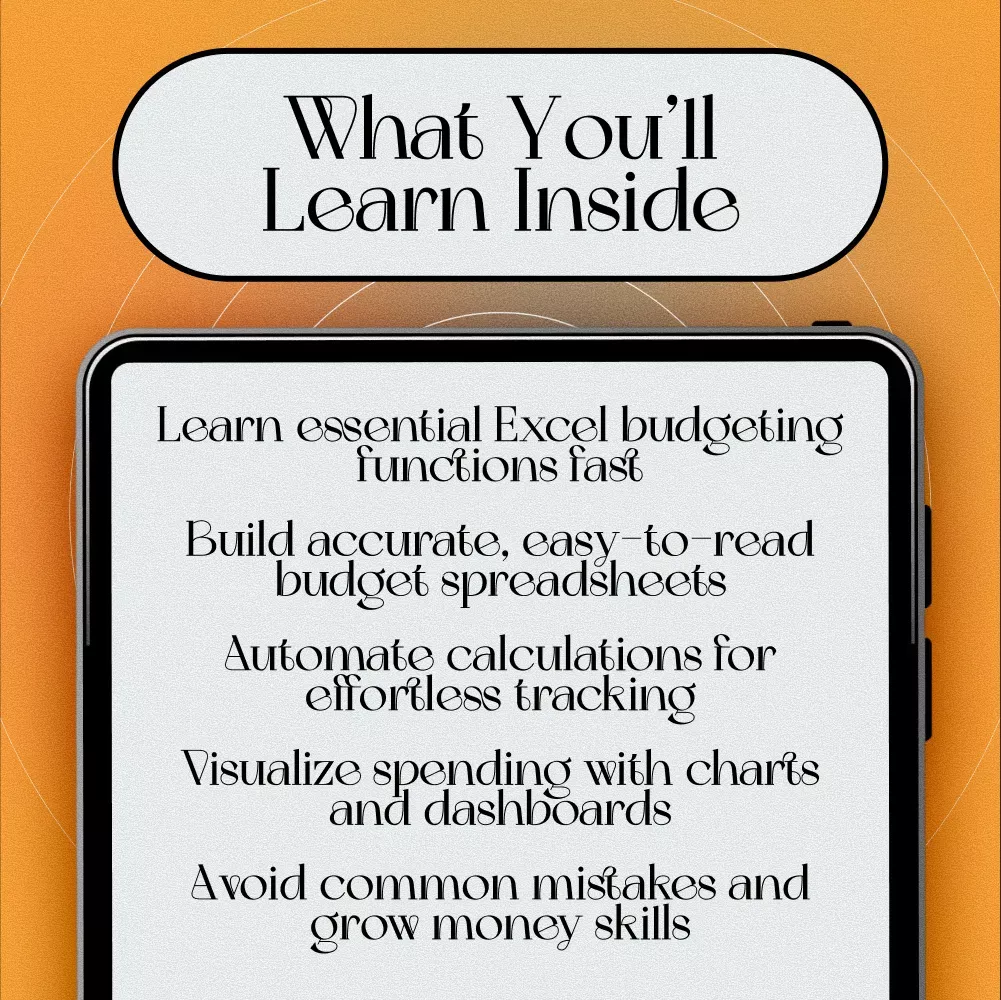
- Introduction to why Excel is ideal for budgeting and its advantages over other budgeting tools
- Basics of navigating Excel, including key functions and formulas essential for budgeting
- How to build your first budget spreadsheet with clear categories and accurate data input tips
- Techniques for automating calculations and troubleshooting common formula errors
- Instructions for creating visual charts and dashboards to track your financial progress
- Advanced tips on using templates and pivot tables to analyze and improve your budget
- A practical case study showing real-world application and adjustments for ongoing financial control
- Guidance on avoiding common budgeting mistakes and growing your financial mastery
If you’re ready to take control of your finances with simple, beginner‑friendly tools, explore more guides inside our Budgeting & Saving collection. It’s filled with practical checklists, smart money planners, and step‑by‑step budgeting resources designed to help you build confidence and clarity with every financial decision. Visit the full category here: Budgeting & Saving.
For readers who want a deeper understanding of how budgeting works beyond personal finance, you can explore the broader definition of a budget — including how governments, companies, and households use budgets to plan resources, manage expenses, and evaluate financial goals. The Wikipedia entry provides a structured overview of budget types, from personal budgets to corporate and government budgeting systems, and explains how budgets help set priorities and measure progress . Learn more here: https://en.wikipedia.org/wiki/Budget
Why This Guide Is Perfect for You
This ebook is designed for anyone who wants to learn how to use excel to make a budget without overwhelm. Ideal for beginners, students, freelancers, or anyone looking to better organize their money using a trusted, customizable tool. Unlike generic budgeting apps, this guide empowers you to create a budget tailored exactly to your needs and update it anytime you want.
What Makes This Guide Stand Out
- Clear, practical instructions without jargon—perfect for Excel novices
- Hands-on examples and a relatable case study to inspire your budgeting journey
- Focus on automation and visualization to save you time and make your budget easy to understand
- Advanced tips for when you’re ready to take your budgeting skills to the next level
✅ FAQ — Creating a Smart Budget with Excel
1. What is a smart budget in Excel?
A smart budget in Excel is a simple, organized spreadsheet that helps you track income, expenses, savings, and financial goals. It gives you full control without needing complicated apps.
2. Is Excel good for beginners who want to budget?
Yes. Excel is one of the easiest tools for beginners because you can customize everything, use simple formulas, and build a clear financial overview without learning advanced features.
3. Do I need advanced Excel skills to create a budget?
No. Basic skills like entering numbers, using simple formulas, and formatting cells are enough to build a smart, effective budget.
4. What should I include in my Excel budget?
Your Excel budget should include income, fixed expenses, variable expenses, savings goals, debt payments, and a monthly summary to track progress.
5. Can Excel help me reduce overspending?
Yes. Excel makes overspending easy to spot by showing your actual spending compared to your planned budget, helping you adjust quickly.
6. How often should I update my Excel budget?
Update your budget weekly or monthly to keep your financial plan accurate and stay on track with your goals.
7. Can I use Excel templates for budgeting?
Absolutely. Excel offers built‑in templates, and you can also create your own custom layout that fits your lifestyle and financial goals.
8. Why use Excel instead of budgeting apps?
Excel gives you full control, no subscription fees, unlimited customization, and complete privacy — perfect for beginners who want clarity and flexibility.
Take Control of Your Finances Today
Stop guessing where your money goes and start budgeting smartly with Excel. Download Excel Your Money: The Beginner’s Guide to Creating a Smart Budget with Excel now and unlock the confidence to manage your money like a pro. Your journey to financial clarity and control begins here!
Order cancellation
All orders can be cancelled until they are shipped. If your order has been paid and you need to make a change or cancel an order, you must contact us within 12 hours. Once the packaging and shipping process has started, it can no longer be cancelled.
Refunds
Your satisfaction is our #1 priority. Therefore, you can request a refund or reshipment for ordered products if:
- If you did not receive the product within the guaranteed time( 45 days not including 2-5 day processing) you can request a refund or a reshipment.
- If you received the wrong item you can request a refund or a reshipment.
- If you do not want the product you’ve received you may request a refund but you must return the item at your expense and the item must be unused.
We do not issue the refund if:
- Your order did not arrive due to factors within your control (i.e. providing the wrong shipping address)
- Your order did not arrive due to exceptional circumstances outside the control of legendine.com (i.e. not cleared by customs, delayed by a natural disaster).
- Other exceptional circumstances outside the control of https://legendine.com
*You can submit refund requests within 15 days after the guaranteed period for delivery (45 days) has expired. You can do it by sending a message on Contact Us page
If you are approved for a refund, then your refund will be processed, and a credit will automatically be applied to your credit card or original method of payment, within 14 days.
Exchanges
If for any reason you would like to exchange your product, perhaps for a different size in clothing. You must contact us first and we will guide you through the steps.
Please do not send your purchase back to us unless we authorise you to do so.
Instant download
Your purchase will be available to download once payment is confirmed.
Instant download items don’t accept returns, exchanges or cancellations. Please contact us if you have any problems
Customer Reviews
There are no reviews yet